← JUNROS
How it works Features Your data Pricing FAQ
App Store
JUNROS

Every booking,
in one itinerary.

Photograph or pick your tickets and hotel confirmations. AI reads them and lays them out in order.

Download on the App Store

For iPhone. Free to start.
JUNROS is currently available on the Japan App Store only.

§01 Problem

Bookings never arrive in one place.

The flight is in your inbox, the hotel is in a booking app, the restaurant is a note you typed during a phone call, the tour is a PDF. They arrive in different places and different formats, so you end up hunting for them again and again before you leave.

JUNROS starts from those confirmations and screenshots — you photograph them or pick them from your library.

Flight ticket
Printed ticket
Hotel booking
Rail ticket
Confirmation email
Phone screen
Voucher
Reservation

§02 How it works

Photograph it. It falls into place.

  1. 1

    Photograph or pick

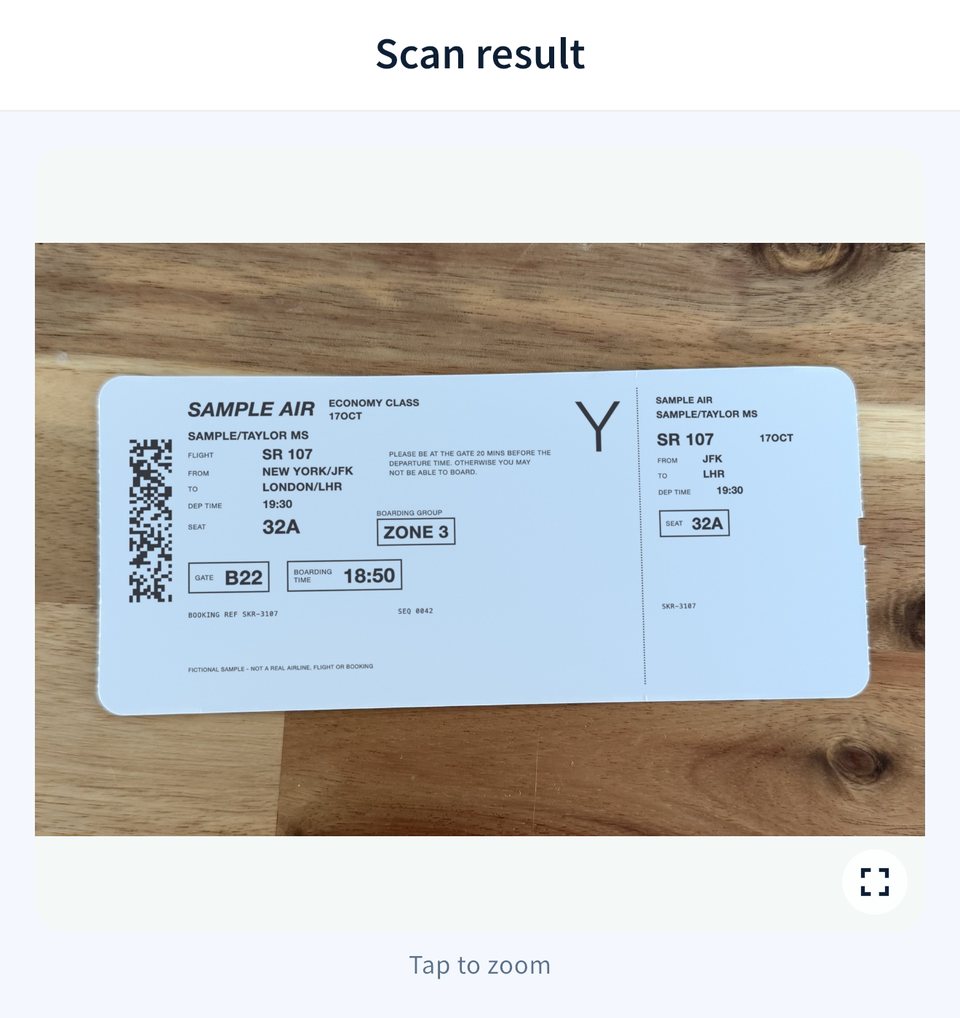
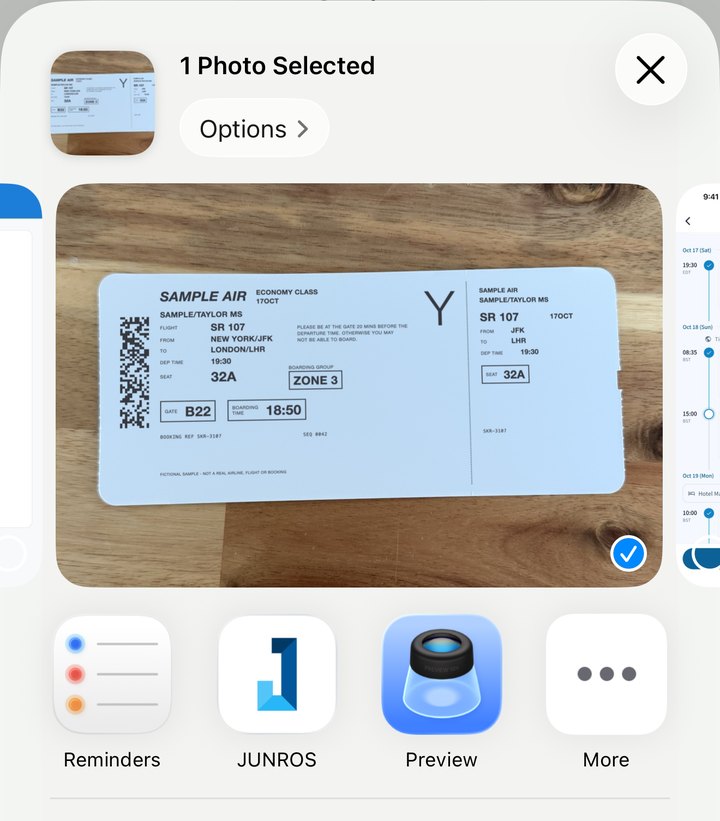
    A boarding pass, a screenshot of a confirmation email, a PDF e-ticket. Hand over whatever you already have.

  2. 2

    AI reads it

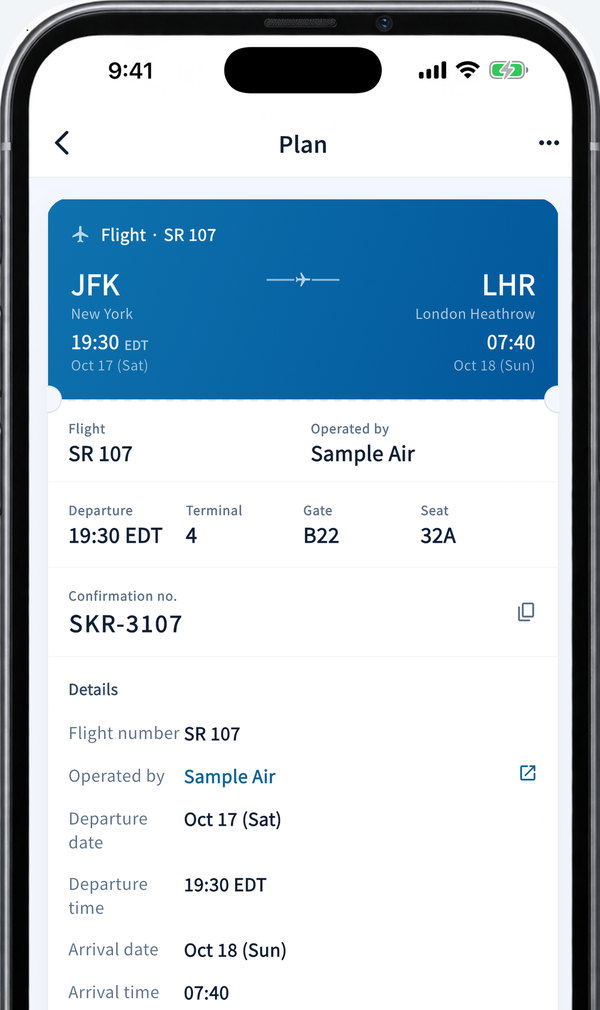
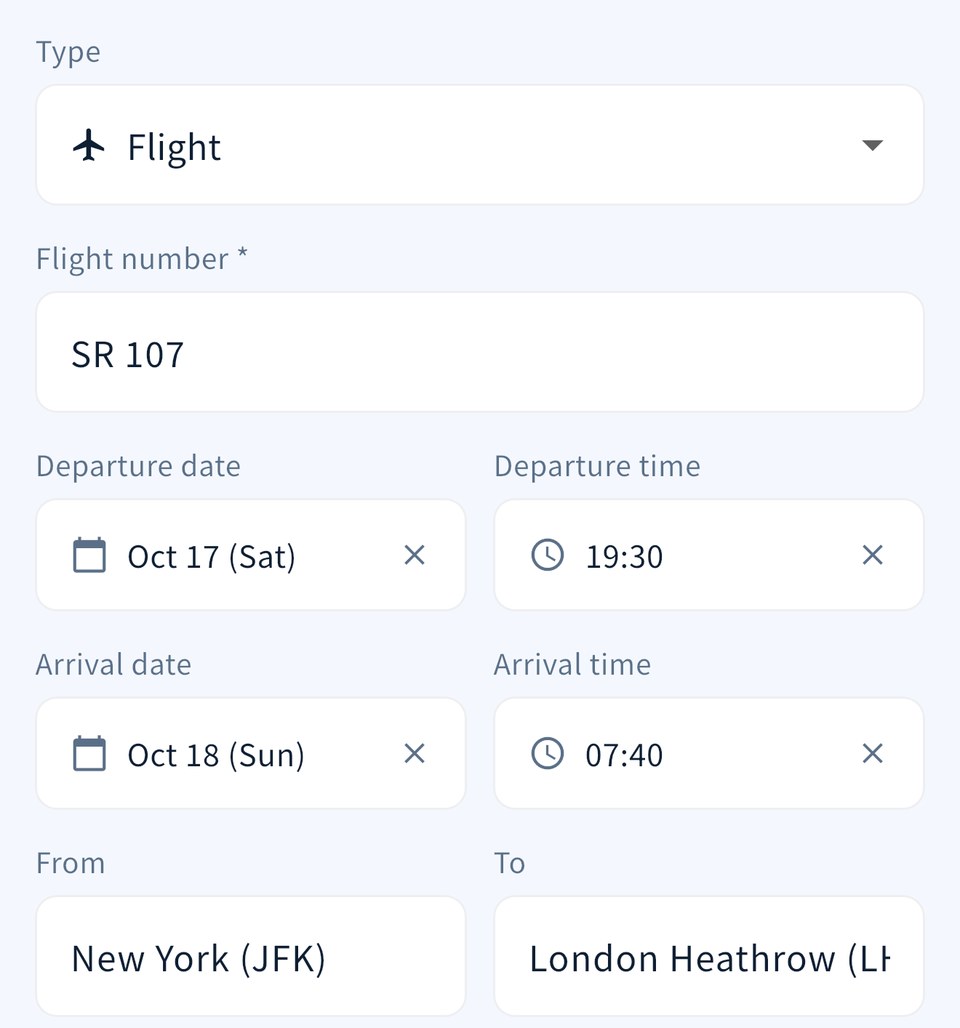
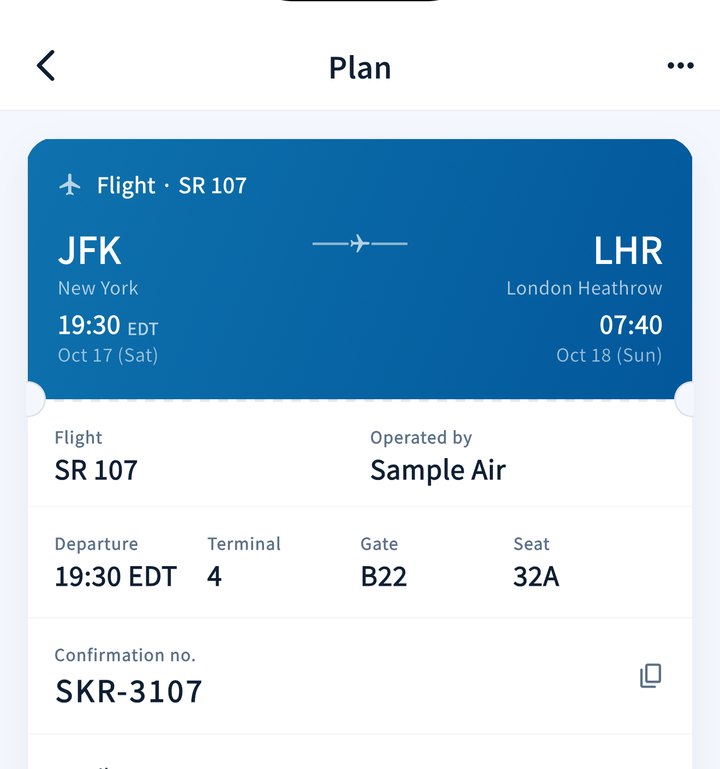
    It works out what kind of document it is and pulls out the flight number, dates and times, place and confirmation number. You can check and correct everything before it is saved.

  3. 3

    It becomes an itinerary

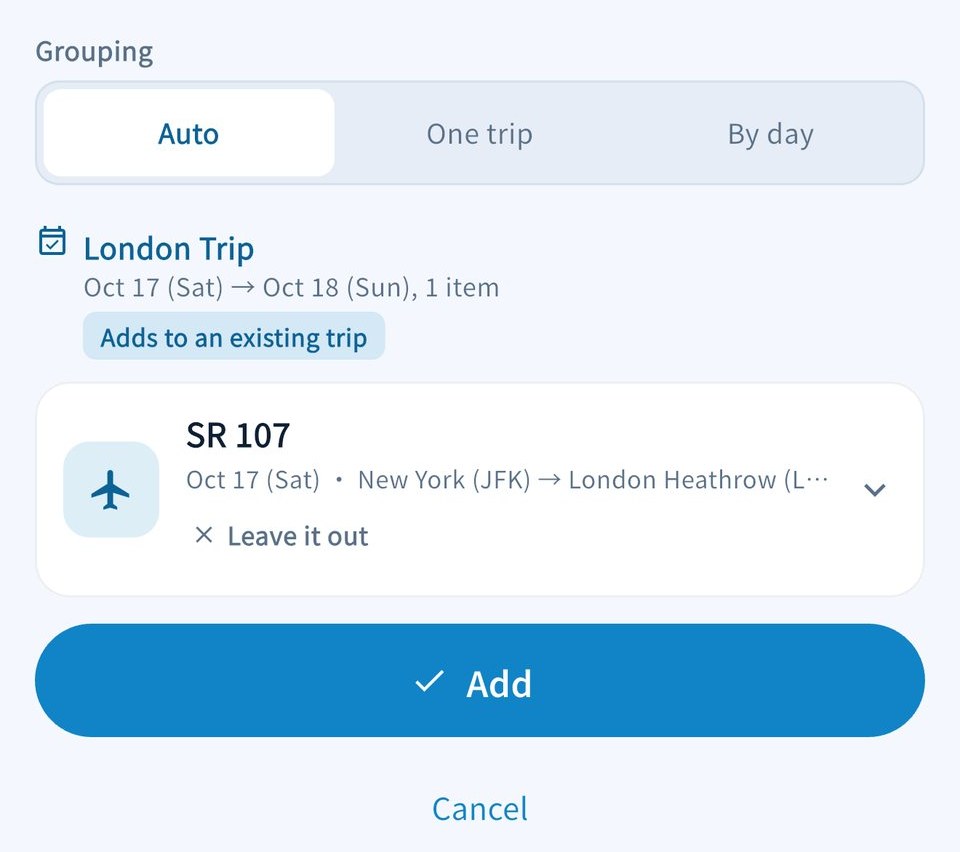
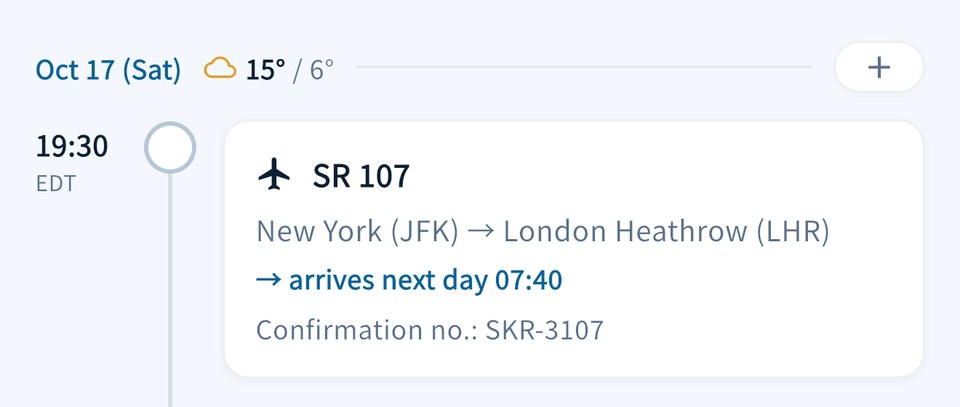
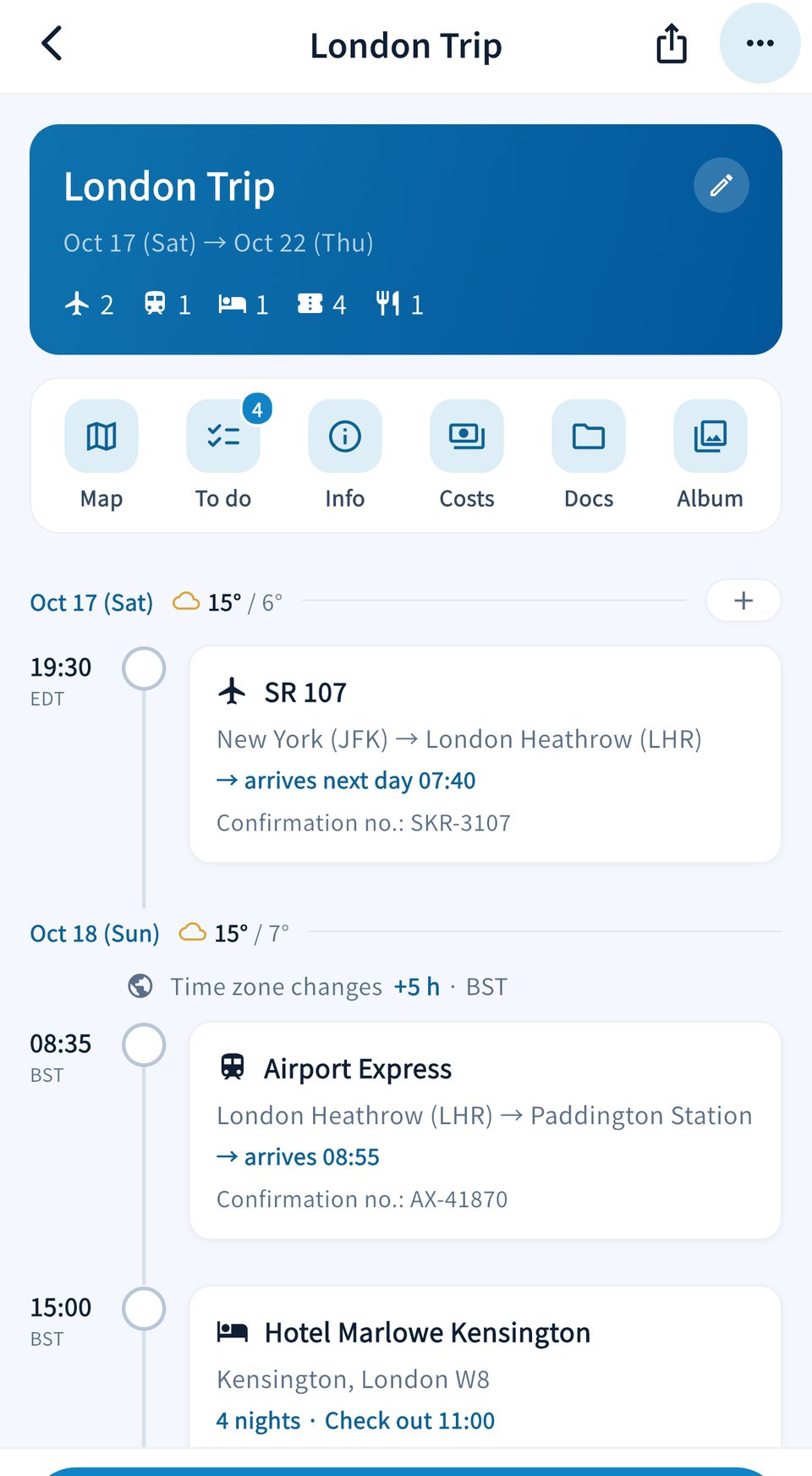
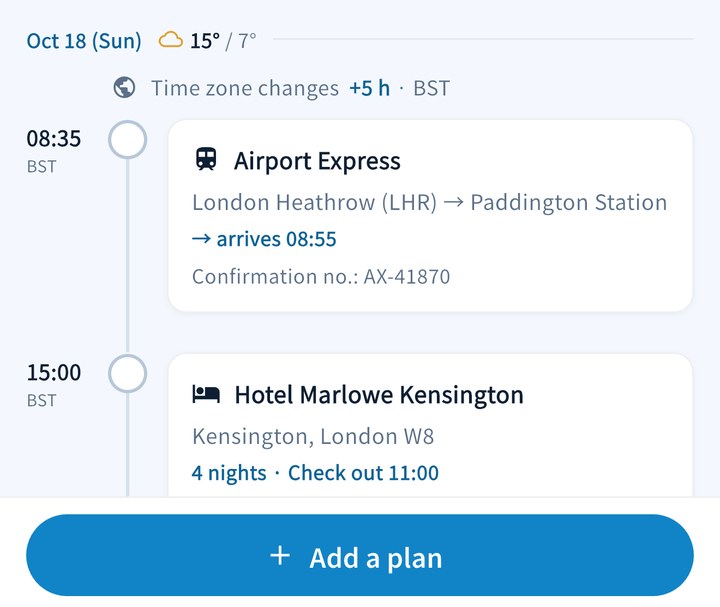
    Everything lands in one itinerary in date order. Bookings with nearby dates join the same trip, and the home screen leads with what is coming up next.

In the app

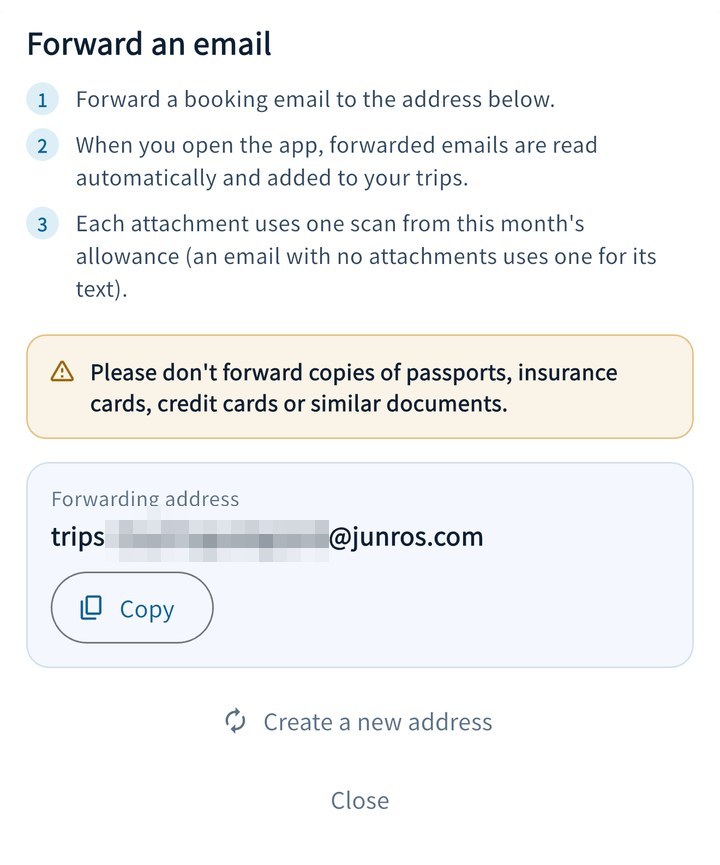
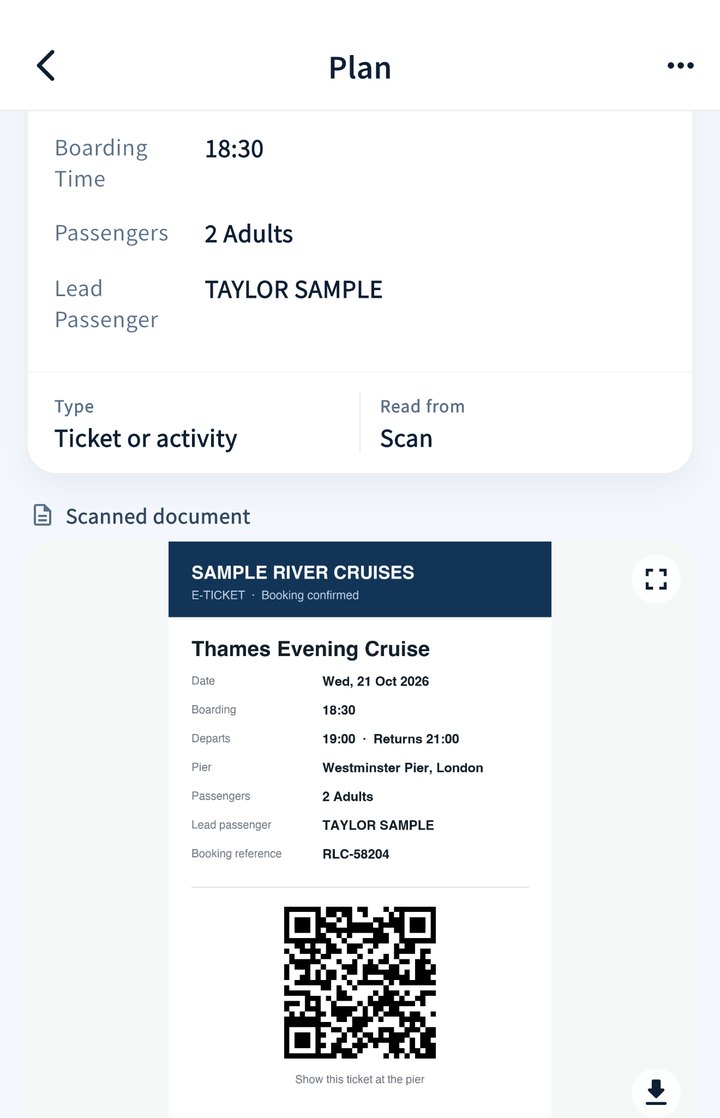
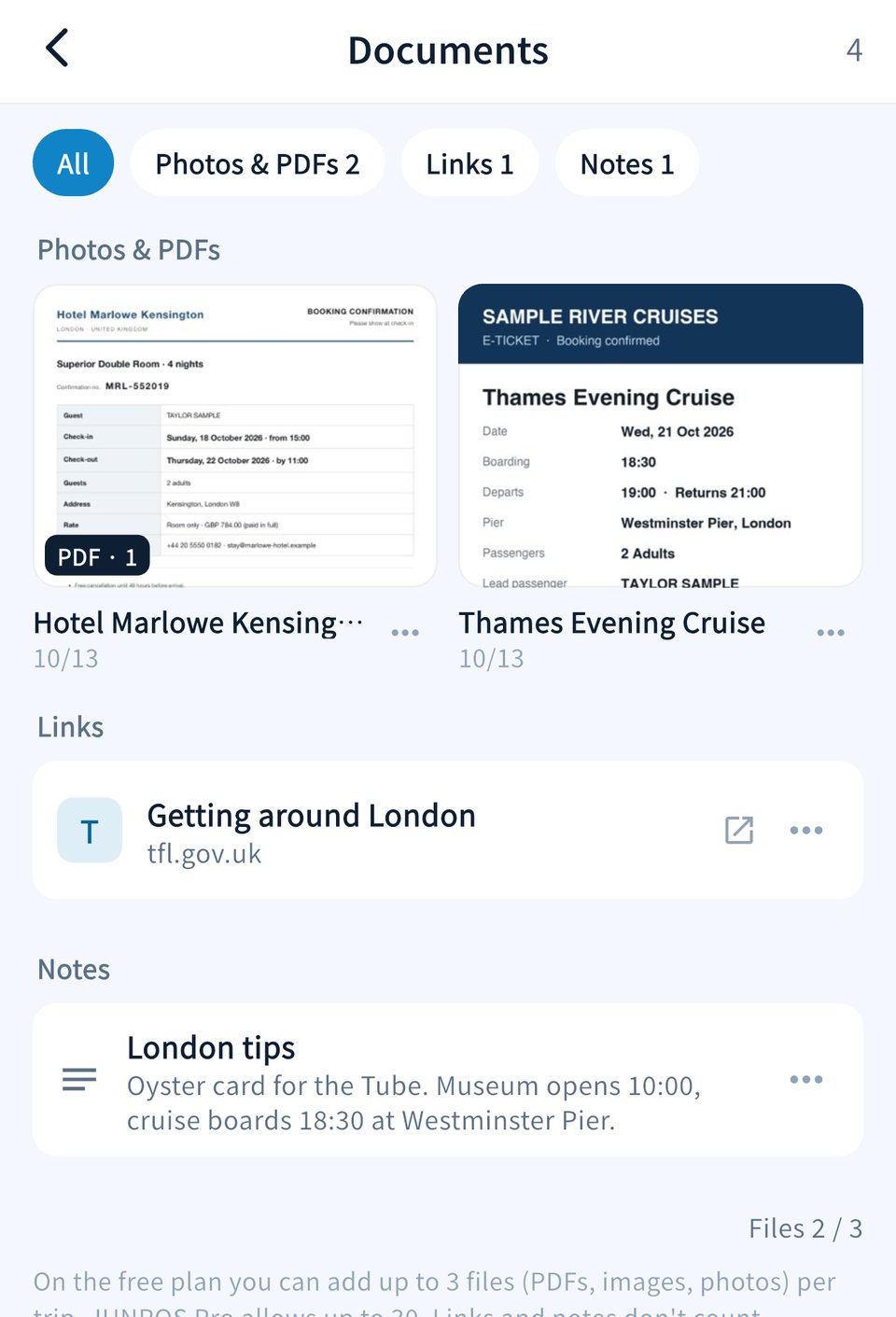
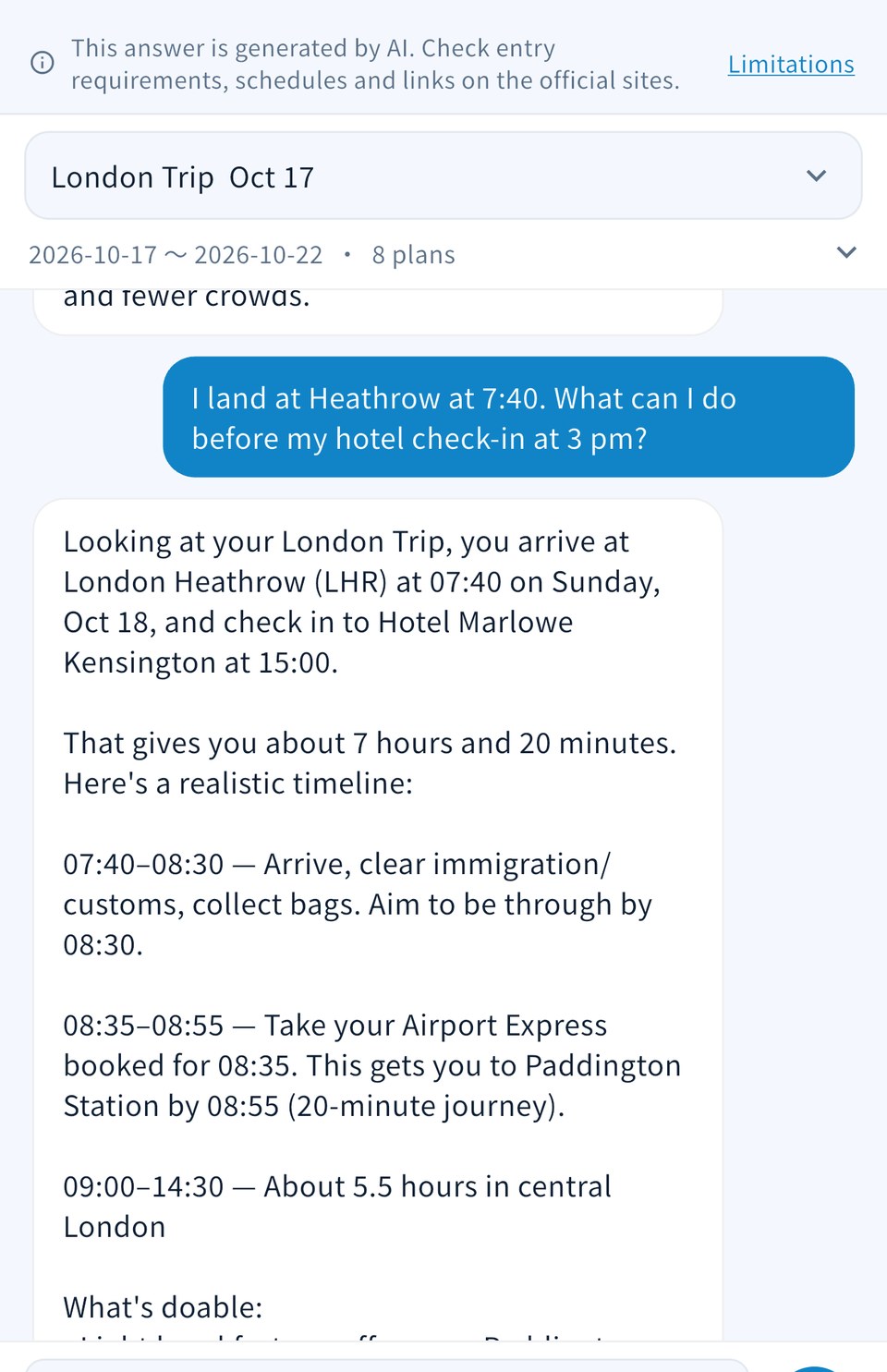
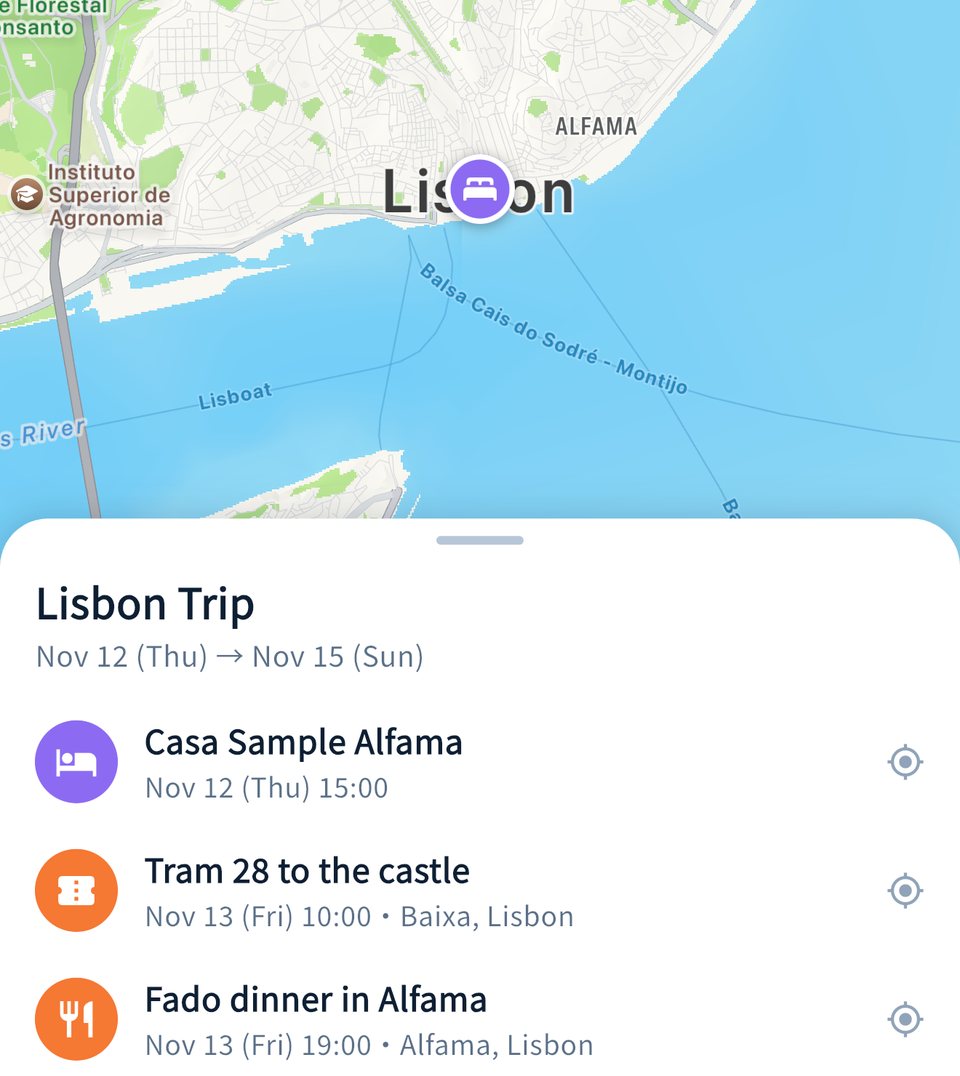
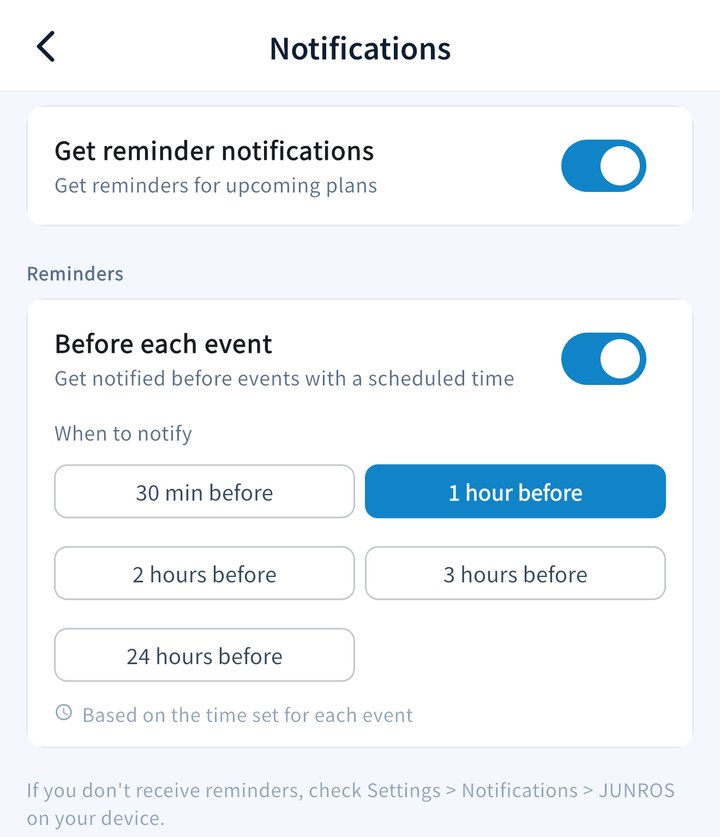
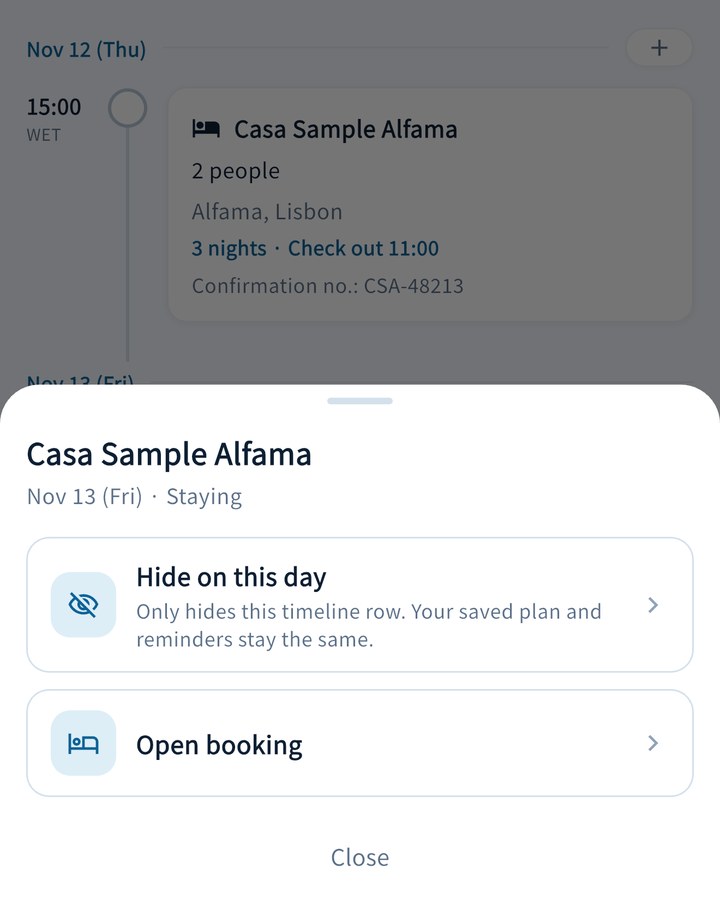
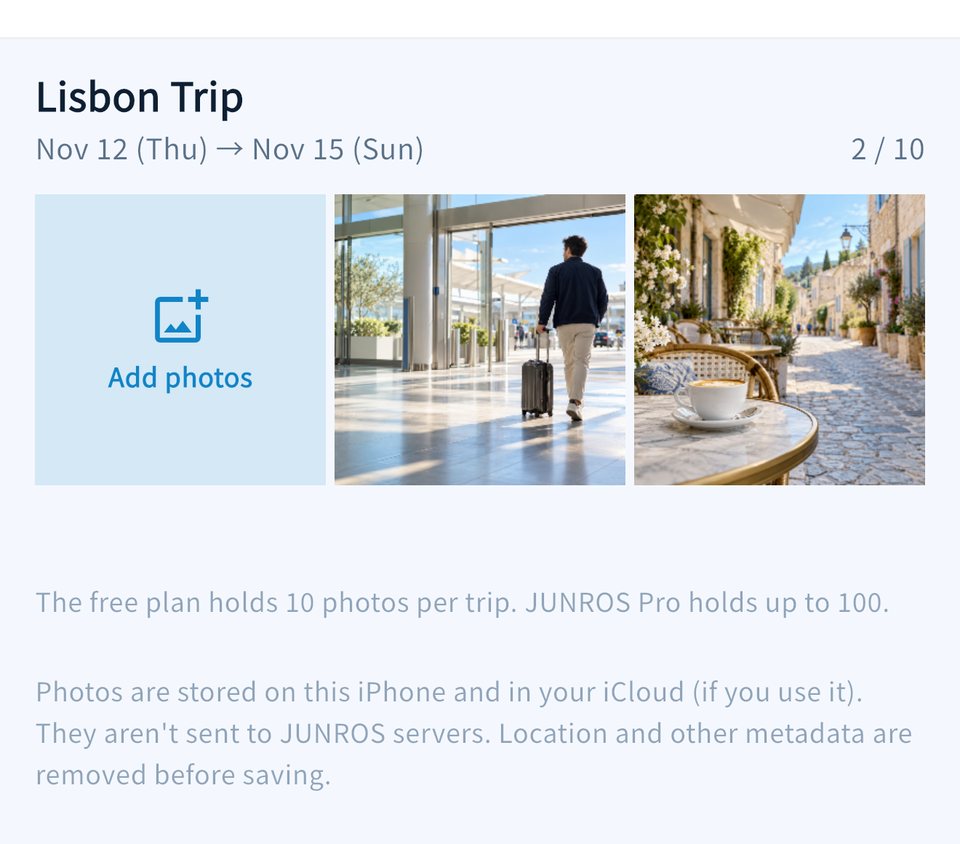
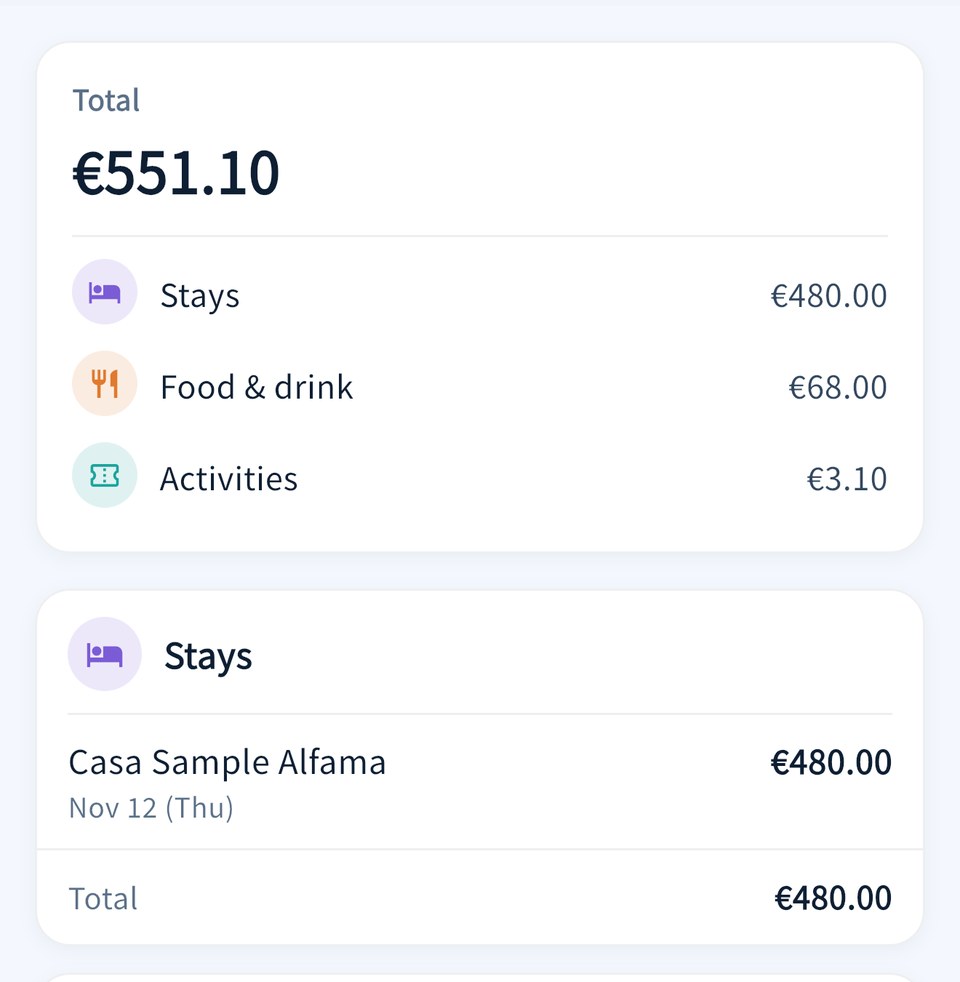
Every booking, in one itinerary — the trip list showing three trips Photograph or pick your tickets and hotel confirmations — the add-booking screen AI reads the dates, places and flight numbers and puts them in order — the review screen Email, screenshot or paper — the itinerary timeline The original photo or PDF stays with the booking — a source image attached to a booking

§03 Features

What it does.

01

It builds your pre-trip list

From the trip you have saved, JUNROS suggests what to deal with before you go — entry formalities, online check-in, how much validity is left on your passport.

02

Add your own tasks

Alongside the suggestions, add whatever else you need to do. Tick off what is done and you can see at a glance what is still left before departure.

03

Contacts and local information, gathered

Official sites for the places you booked, service status, weather and emergency information, organised per trip. When you need to get in touch or look something up, you are not searching again from scratch.

Tasks and information

The tasks screen, with suggestions drawn from the trip: entry formalities, an international driving permit, online check-in. The information screen, with tabs for contacts, service status, weather and emergencies, linking out to airline and hotel official sites.

§04 Privacy

These are documents you cannot afford to lose.

A boarding pass carries your name and your flight. A hotel booking carries where you are staying and for how long. These are documents you would not want to lose and would not want read by someone else. So here is where they are kept, and when they go away.

Boarding passes, booking documents and a phone inside a protected area, illustrating storage in Japan, automatic deletion, and no advertising tracking

01

Stored in Japan

Your data is stored in the Tokyo region. Images are sent to an AI service so they can be read, and they are not used to train it.

02

It deletes itself

The source images and attachments are deleted automatically about 60 days after the trip ends. They are not kept indefinitely.

03

No medical records

Medical appointments are not one of the categories JUNROS reads. From a clinic card or an appointment slip it does not extract medical details such as the department or a diagnosis.

04

No advertising tracking

No data is handed to third parties that track behaviour. In the App Store privacy label, “Data Used to Track You” is marked as not applicable.

See the Privacy Policy for the full account.

§05 Pricing

Free to start.

JUNROS is free to use. Reading a document with AI costs us money to run, so the free plan covers 5 documents a month, resetting on the 1st. Adding bookings by hand is unlimited.

JUNROS Pro raises that to 50 documents a month. It is a monthly, auto-renewing subscription bought through the App Store, and the allowance resets with each subscription period. The price in your currency is shown in the App Store before you confirm.

There are no ads.

A line drawing of the free plan, the monthly AI reading allowance that resets, and unlimited manual entry

§06 FAQ

Common questions.

What if it reads something wrong?

You check and correct the result before it is saved. After it is saved you can still change the dates, times and places, move it to another trip, or reorder it.

What languages does it support?

The app is available in English and Japanese and follows your device language. Documents are read in either language — an English boarding pass or confirmation is handled the same way.

Where can I get JUNROS?

JUNROS is currently available on the Japan App Store only. These pages are published in English ahead of a wider release; publication does not mean JUNROS is available in every country or region yet.

Is there an Android version?

JUNROS is an iPhone app. There is no date for an Android version.

What happens if I delete my account?

Deleting your account deletes the trips, bookings and attachments you saved. They cannot be restored.

On the App Store.

Download on the App Store

Product

  • How it works
  • Your data
  • Pricing
  • Common questions

Company

  • About
  • Capabilities
  • Vision
  • Company

Contact

  • info@coyoteandpowell.com

Legal

  • Company information
  • JUNROS Terms of Service
  • JUNROS Privacy Policy
  • JUNROS Cookie Policy

Coyote and Powell LLC

— All rights reserved.